Thứ Tư, 18 tháng 5, 2016

HOW TO PLAY PSP GAMES ON SAMSUNG GALAXY S7 EDGE, S7, NOTE 5, LG G5, HTC M10 & MANY MORE ANDROID DEVICES

Hello Android Lovers this is a simple and easy tutorial to install a PSP Games on your Android Devices.

Step 1:

The first thing you have to do is to download PPSSPP software from Play Store as show in below picture. There are two versions of PPSSPP software one is paid and the second one is unpaid. I suggest you to download paid version because its give you access to full features of PPSSPP.


                                                   Above picture is a free PPSSPP Picture


                                                Above Picture is a paid version of PSSPP


Step 2:  

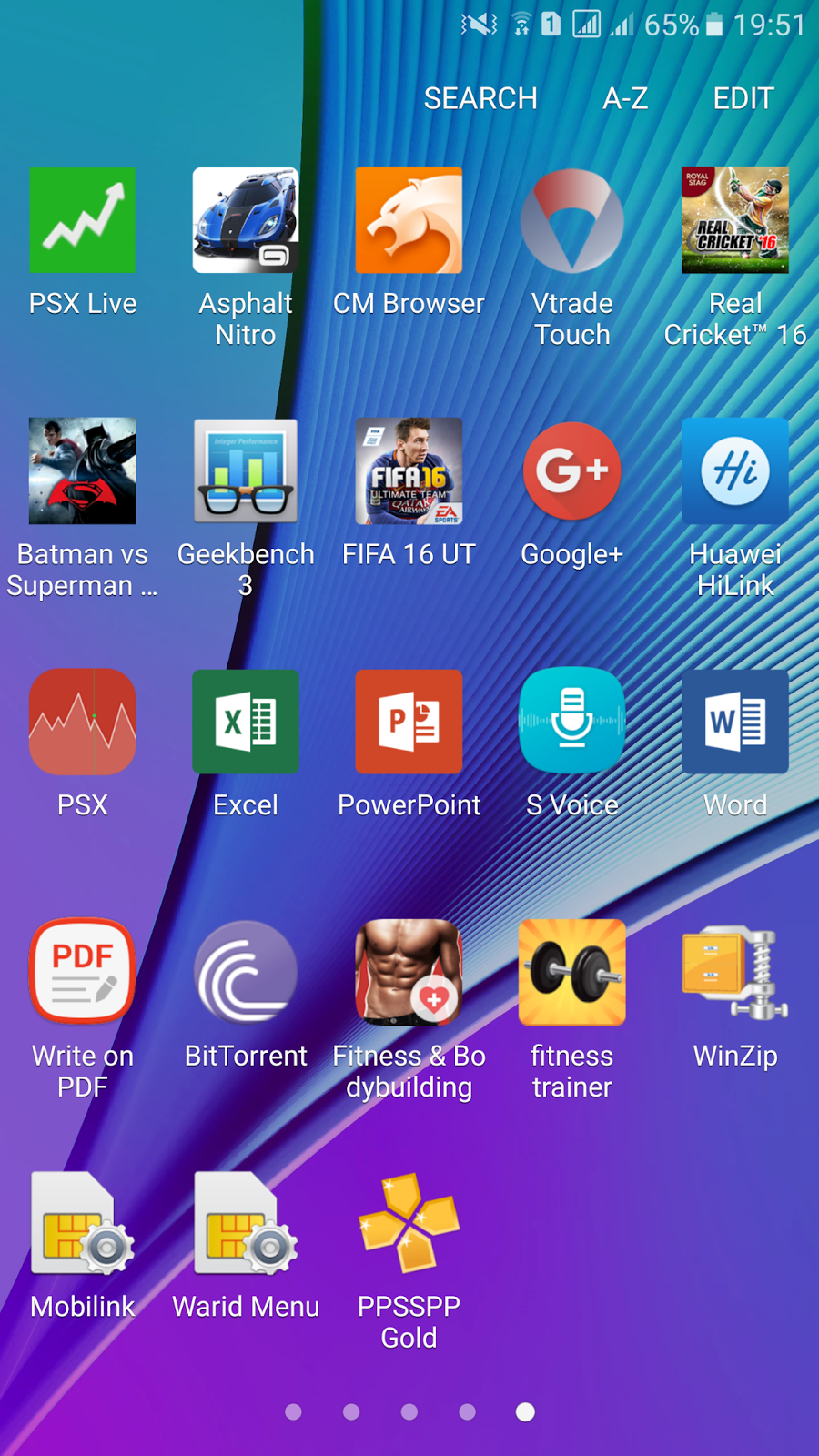
After Installing PPSSPP you will have it in your android device like below picture.


Now Open PPSSPP app and you will have a windows like below picture


Next Thing you need are offcourse games that are going to run on this emulator and for that we can use two sites 

1 site: http://www.freeroms.com/

2nd Site: http://www.emuparadise.me/roms-isos-games.php


Now after going in to these above sites you have to download games from them. Now follow all below pictures to download game from site 1.


Now above picture is a site where you are going to download games. Now press Playstation Portable from the above site to enter in the game download section of PSP games for you Android device as show in below picture.


Now here from the site you have to choose the alphabet from which the game name start, so in this particular above caption we are going to press B because I want to download Burnout Dominator Game from the site. Now in below picture we can see that we have all the game names that start from B and here we are going to choose Burnout Dominator game.


When you are going  to press the game name from above site you will enter  in a site like below picture.


Now we have to press direct download and we will see a windows like below picture in our phone.


Now from the above window press downloads and download games in your Android device.After downloading games the downloaded game will be appeared on your File Manager which is also called My Files on Samsung Mobile Open My Files OR File Manager on your Android device and press Device Store and look for download folder


Now in a below picture you will see a burnout dominator zip file. As its a zip file obviously you can not play play game in PPSSPP emulator and to play it you have to Unzip it.


Step 3:

Now as the game downloaded as a Zip File we have to download Winzip from Playstore to unzip the file.Winzip will be appeared on Playstore like below picture. Download it.


After downloading winzip, Open winzip and press storage.


Now here in a below picture you will see SD Card windows press it 


Now here you have to search for Download  folder like below picture and get inside the folder.
After getting inside a downlaod folder you will see a Burnout Dominator zip file. Select Burnout File and press Unzip which is appearing just at the bottom of below picture.


Now after pressing Unzip you will be entered in Winzip Storage Option like below picture press Storage again.


Now again here you have to get inside a PSP folder which is appearing in below picture


Now here in a below picture get inside a Game Folder and press Unzip here

Now finally you will have a Unzip Folder like below picture


Now close Winzip and open PPSSPP Emulator to play game on it which we have downloaded from Free Rom site and Unzipped by using Zip file. Now finally when you open PPSSPP software like below picture. Press games then search for PSP folder.


 Now press Game folder like below picture and you will find out a Burnout Dominator folder


Now open game and play it on your Android device


Now after following all the above steps you would probably running psp games on your Android devices. The only thing you will found disappointed after running game is the keypad of games as keypad appears infront of the game screen. To find out how to setup PS4 controller on your android device so you can play games without on screen keypad  with ps4 controller on your device watch out below video.

https://www.youtube.com/watch?v=sNdqbn51ABs


Thứ Sáu, 19 tháng 2, 2016

galaxyyarchive.info turns to galaxyyarchive.blogspot.com

It has now been 4 years since founding the biggest Galaxy Y blog - GalaxyYArchive and most likely 90% of you have moved on to newer devices and barely even visit the website nowadays.

It has been a fun ride, but I have decided to stop paying for the domain name galaxyyarchive.info and use the original one provided by Google's Blogger platform - http://galaxyyarchive.blogspot.com

For those of you that visit the website frequently to look for ancient content whether it is converted ARMv6 apps, general tips and tricks for gingerbread devices, or even for the Galaxy Y, you should start visiting http://galaxyyarchive.blogspot.com starting from today. The original domain will still work for a couple of more days and redirect you to http://galaxyyarchive.blogspot.com

Those of you that are still interested in Android modding can drop http://droid-tips.com a visit and check out the articles.

Thứ Tư, 17 tháng 2, 2016

تطبيق الواي فاي المجاني - WiFi Master Key للاتصال بالانترنت مجانا للاندرويد

نبذه عن تطبيق واي فاي ماستر كي - WiFi Master Key


هو تطبيق مميز للبحث عن شبكات الواي فاي والاتصال بها اوتوماتيكيا دون الحاجه الى باسورد الشبكه مما يجعلك متصل بالانترنت باستمرار اينما كنت .
التطبيق متوفر في سوق بلاي للتحميل مجانا وفكرته قائمه على مشاركة شبكات الواي فاي المتاحه لتوفير الانترنت لجميع المستخدمين دون الحاجه للبحث عن شبكات الواي فاي .
تطبيق اكثر من رائع وحجمه صغير ولا يؤثر على كفاءة جهازك .

صور من تطبيق WiFi Master Key


تطبيق الواي فاي المجاني - WiFi Master Key للاتصال بالانترنت مجانا للاندرويد

تطبيق الواي فاي المجاني - WiFi Master Key للاتصال بالانترنت مجانا للاندرويد

المطور : wifi.com
حجم التطبيق : 5 ميجا

رابط التحميل من جوجل بلاي

Thứ Sáu, 1 tháng 1, 2016

تطبيق افضل شركه للكشف عن تسربات المياه 2016 بالضمان

تطبيق الخدمات المنزليه للاندرويد


حمل الان التطبيق الذي سوف يوفر لك الوصول الى افضل شركه تقدم لك خدمات منزليه في منطقتك مثل خدمات العزل و كشف تسربات المياه و مكافحة الحشرات المنزليه و كشف تسربات الغاز وايضا خدمات تسليك المجاري .

تطبيق افضل شركه للكشف عن تسربات المياه 2016 بالضمان

من خلال هذا التطبيق سوف تتوفر لديك بيانات عن افضل شركه سوف تقوم بخدمتك مثلا تريد شركة كشف تسربات المياه افتح التطبيق المنزلي وسوف تجد افضل شركه في منطقتك وارقام الهاتف ايضا وايضا رابط لموقع هذه الشركه .


Thứ Bảy, 3 tháng 1, 2015

Closed Project: Cyanogenmod 12 (Lollipop 5.0.x) for Samsung Galaxy Y GT-S5360


Happy New Year everybody!
Great news for Cyanogenmod fans! Our little Samsung galaxy Y GT-S5360 will be getting the CyanogenMod 12 rom. This means that our device will soon get Android 5.0.x Lollipop. Well that's great news for this device after a long time. Cyanogenmod 11 is also getting stable after each update. I just hope that the developers of cyanogenmod 12 (androidarmv6) hurry up and release a stable version of cyanogenmod 12 as they already have released an experimental build but its not flashable and can brick your device so everybody pls don't try that build right now!


NOTE:- Guys I have seen a few comments where people are asking me how to flash this rom. I am saying it again its just an EXPERIMENTAL build and you should NEVER try to flash this kind of build. Experimental builds are only for developers. Such kind of build can hard brick your device which means that it is dead and there is no way to fix a hard bricked device. I will write a new post when a flashable build of the rom is released with ways to install it on your device. But till then be patient.

UPDATE :- Sorry Guys but I just got to know that the project has been shut down because there was no way by which ART (Android Runtime) could be fixed for Galaxy Y. Also an update regarding Cyanogenmod 11. We would not be getting any further updates for CM11 as well. That project has been shut down as well. The download server as well as Jenkins has been shut down so those who want to download the latest CM11 build can download it from here. So again we will NOT get Cyanogenmod 12 for Galaxy Y as well as NO UPDATES for Cyanogenmod11.

Post by Manik Chhabra

Thứ Năm, 2 tháng 10, 2014

LewaOS for Samsung Galaxy Y GT-S5360

Hey guys! So I m finally back after my exams. Now back to work!
This post is about LewaOS which has been ported from Samsung Galaxy Ace. The ROM is stable which means it does not have any bugs. For all those who are not familiar with LewaOS - Lewa OS is a third-party Android ROM produced by a Chinese company Lewa Technology. It mainly focus on developing ROMs for 1000-reminbi-phone.As of April 2013,they have more than 2 million users,and as of July 2012,they are the Top 3 custom Android ROM in China,together with MIUI and DianXin OS(or called as Tapas OS).Lewa is also the first-ever custom Android ROM in the world that supports dual-SIM standby feature. 

Requirements:-

  1. A Samsung Galaxy Y with stock firmware
  2. LewaOS.zip from here
  3. CWM Recovery from here
  4. PercyCM Kernel from here

Installation Instructions:-

  1. Turn off your Galaxy Y and boot in recovery mode using the three button combination (volume up+home+power button)
  2. Now using the volume up/down keys to navigate select apply update from sd card
  3. Choose CWM Recovery.zip
  4. Now your Galaxy Y will boot in ClockWorkMod Recovery v5.0.28
  5. Go to mounts and storage and mount all partitions except sd-ext as it is not possible on the stock kernel
  6. Then select wipe data/factory reset and then wipe cache
  7. Now go to advanced and select wipe battery stats and wipe dalvik cache
  8. After all this is done go to apply update from sd card>choose zip from sd card>percy cm#2.zip
  9. Wait for the installation to complete and then go to advanced and select reboot recovery
  10. Your device will reboot in ClockWorkMod Recovery v5.0.26
  11. Now do everything from step 6-8 again
  12. Then go to apply update from sd card>choose zip from sd card>LewaOS.zip
  13. Wait for the installation to complete and then select reboot system now

Screenshots:-


Posted by Manik Chhabra

Thứ Sáu, 5 tháng 9, 2014

Plasma Tweak for Samsung Galaxy Y GT-S5360

Hey guys! So this post is for all those who find their GT-S5360 slow. This script will drastically speed up your Galaxy Y. The best part is that this script is compatible with all the stock and custom roms but you have to make sure that your rom has init.d support.
 
 
Requirements:-
1) A rooted Galaxy Y with stock or custom rom with init.d support
2) A root browsing tool of your choice
3) Plasma Script from here
 
 
Installation instruction:-
1) Download the script and move it to the root of sd card
2) Using your Root browsing tool move the script file to /system/etc/init.d/
3) Change the permission of the script to rw-r-r (touch and hold on the script file for 3 seconds and then select permissions)
4) Reboot the device and feel the speed of the plasma script
 
So I have been and will be out of the blogging world for a month because I am preparing for my examinations but I will be back with new content on Galaxy Y in the first week of October.. Till then Bye!
Posted by Manik Chhabra

Thứ Sáu, 22 tháng 8, 2014

Website changes and new look

So as you all know, the website has been pretty much dead for the past 3-4 months due to my high inactivity and lack of new content such as roms, kernels and themes for the Galaxy Y GT-S5360. A big thanks goes to who has just recently started taking my place in posting new content for the Galaxy Y while I was away from the blogging world and I would like to mention that I will also begin making new posts and upload videos again for the last few roms and themes that were missed out.

The other news is that this website will now have support for the new Galaxy Young (S6310) model. You will see roms, kernels, themes, tutorials, tips and tricks posted for it as well as videos in the YouTube channel. Since the phone is very affordable and is not bad at all for its budget price, you could even consider upgrading to it if you are on a very tight budget.

Also, if you haven't noticed already, the website now has a new look. This was done so that all three archive projects can now have the same look. It is possible that you may encounter 404 error pages and small glitches in the first few hours until the new template is succesfully implemented to the blog.


Thứ Sáu, 15 tháng 8, 2014

Inspire Holo Version ROM for Samsung Galaxy Young Duos (GT-S6312)

If you are tired of the TouchWiz look on your Galaxy Young Duos, then you may want to try out something new. Something like this Inspire Holo version ROM developed by xda member vlc07.

As you can see in the screenshots below, the rom has been given the Holo look. Something like running an AOSP rom or CyanogenMod10 on your Galaxy Young. Not only does this rom offer you a different look, it also offers some additional features. For a list of all the features, read the list below.

Features:

  • Complete Holo themed
  • Stock 4.1 AOSP Trebuchet Launcher
  • CyanogenMod wallpapers
  • Rooted


  • Deodexed
  • Samsung Bloatware removed
  • Holo Calculator
  • Holo Calendar
  • No Statusbar SIM icons to take up space
  • Stock Android 4.1 AOSP experience
  • Customized boot animation

  • Screenshots:


    Download ROM - Click here.

    Installation:

    1. You must have CWM Recovery installed in order to flash this rom succesfully. If you still haven't done that, you may check out this post.
    2. Download the ROM to your sdcard.
    3. Power off your phone and boot into CWM Recovery.
    4. Choose wipe data/factory reset.
    5. Go to mounts and storage and mount /system if it is not mounted.
    6. Choose install zip.
    7. Choose choose zip from external sdcard.
    8. Choose the ROM zip file.
    9. Choose Yes to confirm when asked.
    10. After the installation is complete, go back and choose reboot system now.
    Source: xda

    Chủ Nhật, 3 tháng 8, 2014

    Solution to CWM Recovery v6.0.53 flashing error on Samsung Galaxy Y GT-S5360

    Hey guys! So almost all Cyanogenmod 11 users know that CWM Recovery v6.0.53 was released for flashing cyanogenmod 11 roms after 20140723 as it was necessary to format system to MTD system. But many got the error saying "This package is for totoro your device is GT-S5360" and then we finally get the error saying "Installation Aborted". So here is the solution to the problem.

    Instructions to solve problem:-

    1. Extract the CWM Recovery 6.0.53.zip
    2. Go to META-INF/com/google/android/
    3. Open the updater-script file using notepad in the folder
    4. Remove the following lines. These are the first 3 lines of the updater-script
    assert(getprop("ro.product.device") == "totoro" || getprop("ro.build.product") == "totoro" || abort("This package is for \"totoro\" devices; this is a \"" + getprop("ro.product.device") + "\"."););
         5.  Save the changes in updater-script
         6.  Now zip the folder
         7.  Transfer it to the root of your Sd Card
         8.  Boot in recovery mode and then flash the new CWM Recovery v6.0.53

    Posted by Manik Chhabra


      Thứ Năm, 31 tháng 7, 2014

      Kitkat Easter Egg for Samsung Galaxy Y GT-S5360

      Hey guys! So this mod is for all those who like Kitkat 4.4. Presenting kitkat Easter egg for any ROM on Galaxy Y. This mod will install the kitkat Easter egg on your Galaxy Y which can be seen by tapping on the Android version option in the settings.

      Requirements:-

      1. Kitkat Easter Egg App for LDPI from here
      2. Java Development kit from here
      3. Dex2Jar convertor from here
      4. A root browsing tool of your choice
      5. Framework.jar of your rom
      6. Platlogoactivity.class from here
      I have tried my best to make the installation easy so I hope nobody has problems installing the mod.

      Installation Instruction:-

      1. Using your root browsing tool copy the framework.jar of your rom from the /system/framework folder and paste it in the root of your sd card
      2. Connect your device using usb and transfer the framework.jar to your computer.
      3. Extract the framework.jar using Winrar or 7zip (classes.dex is the extracted file)
      4. Now extract dex2jar-0.0.9.15.zip
      5. Rename the folder to 123 and move it to the root of your C: drive
      6. Now move the classes.dex to the 123 folder in the root of C: drive
      7. Open the setclasspath.bat in the 123 folder. It would just flash for a second and would close then so dont go on trying to open it a 100 times 
      8. In the 123 folder, hold the shift key and press the left click button.
      9. You will find an option called "Open command prompt window here" select it
      10. A command prompt window will open with the text C:123
      11. In the command prompt window type the code "C:123>d2j-dex2jar.bat classes.dex"
      12. It would take some time and then you will see a folder called classes-dex2jar
      13. Open it and replace the platlogoactivity.class with the downloaded one in the folder com/android/internal/app
      14. After you have replaced it you now have to compile this folder back to the dex file
      15. Now open Command Prompt again using the same way above and type the code"C:123>path and type the path of your Java Development Kit. It would most probably be in the Java folder in the program files... For me its is C:123> path C:Program files/Java/jdk.5.0_77/bin
      16. Press the enter key and type the code "C:123> jar cf "classes.jar" android com javax
      17. Wait till the jar file is made
      18. After the jar file is made type the code "C:123>d2j-jar2dex.bat classes.jar"
      19. Now a file named classes-jar2dex.dex will be made. Rename it to classes.dex
      20. Open command prompt and then type the code "C:123> path (path of your java development kit as written above)
      21. Press the enter key and type the code "C:123> jar cf "framework.jar" classes.dex"
      22. Now transfer the kitkat easter egg app and the framework.jar to the root of your sd card
      23. Install kitkat easter egg app in your galaxy y
      24. Using your root browser replace the framework.jar in the /system/framework with the new one and change the permission to rw-r-r
      25. Reboot your device
      26. Go to settings>about phone>tap continuously on the android version
      And here are some screenshots of the mod:-


      Posted by Manik Chhabra